

WordPress Project Management for Freelancers: A Self-Hosted Workflow
Learn how freelancers can manage projects, tasks, time tracking, and billable work directly in WordPress without adding another monthly SaaS subscription.

Learn how freelancers can manage projects, tasks, time tracking, and billable work directly in WordPress without adding another monthly SaaS subscription.

Compare free vs premium WordPress plugins by features, maintenance, support, security, total cost, and business value before choosing what to install.
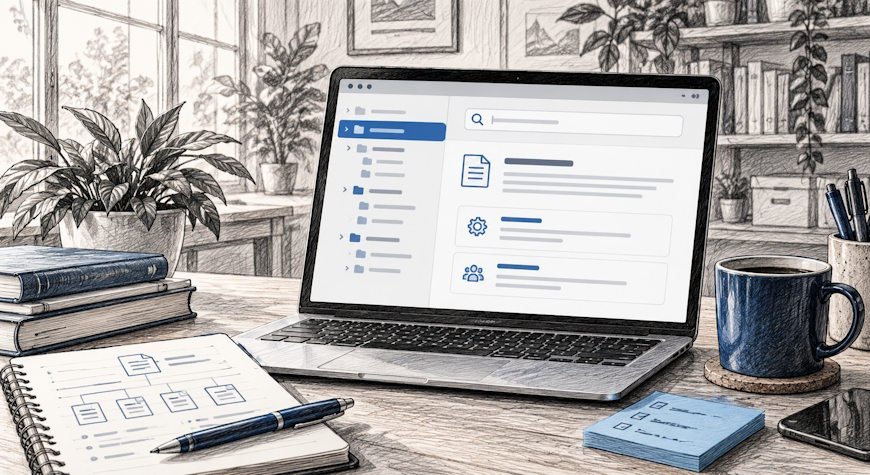
Learn how to build a wiki for WordPress with clear structure, search, permissions, ownership, maintenance workflows, and self-hosted documentation.

Learn how a small business can run a WordPress CRM with contacts, deals, pipeline stages, lead capture, ownership, reporting, and self-hosted data.
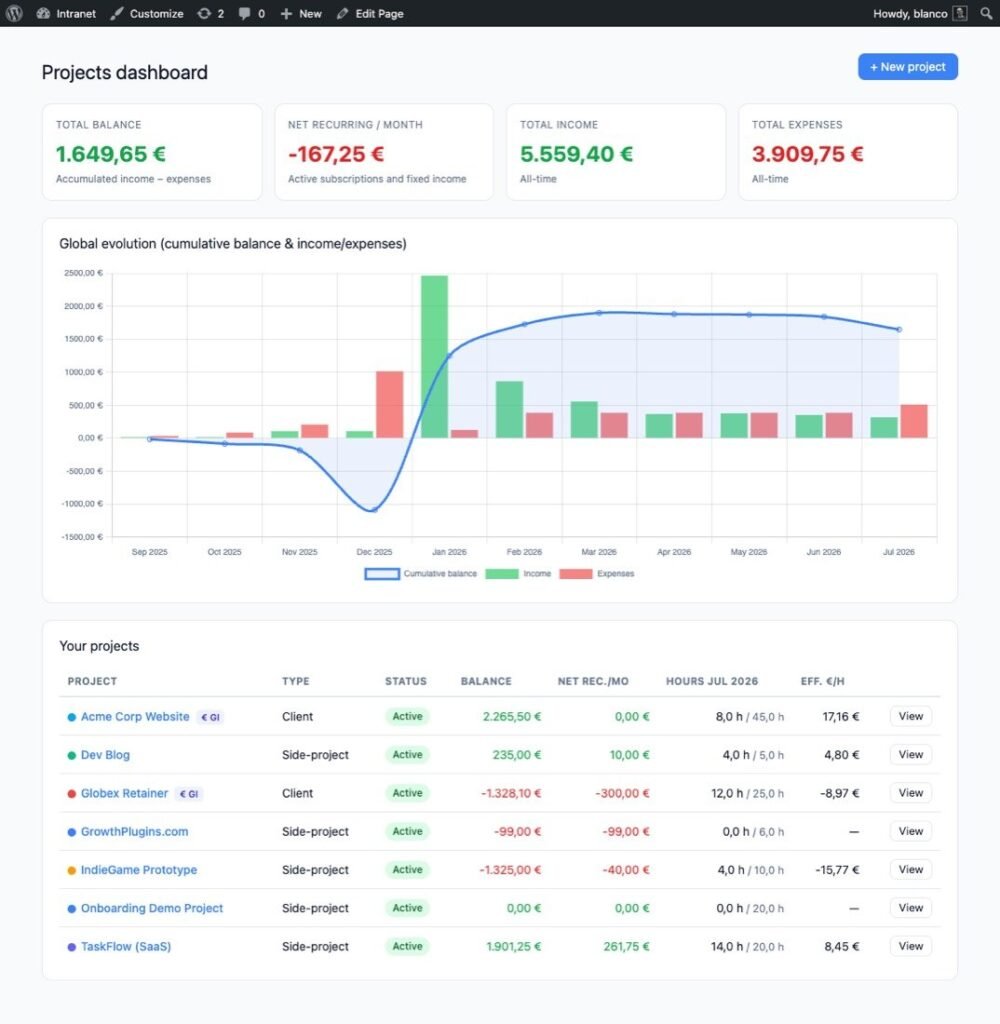
Learn how to track project profitability in WordPress using revenue, expenses, recurring costs, time, effective hourly rate, and project-level reporting.

Learn how to install a WordPress plugin using the dashboard, ZIP upload, SFTP, or WP-CLI, plus the safety checks to run before and after activation.

Learn what a WordPress plugin is, what plugins can do, the main plugin types, where they come from, and what to check before installing one.

How to create a WordPress plugin step by step: build the plugin header, hooks, settings, security checks, testing workflow, and installable ZIP.

Best WordPress plugins for business: compare self-hosted CRM, project management, invoicing, support, and documentation tools for U.S. teams.

U.S. playbook to protect client data on WordPress. Use core Export and Erase tools, enforce SSL, SFTP and 2FA, audit plugins, or launch a self hosted portal.

WordPress support tickets without per-agent SaaS fees: compare self-hosted workflows, privacy, email piping, SLAs, integrations, and setup.
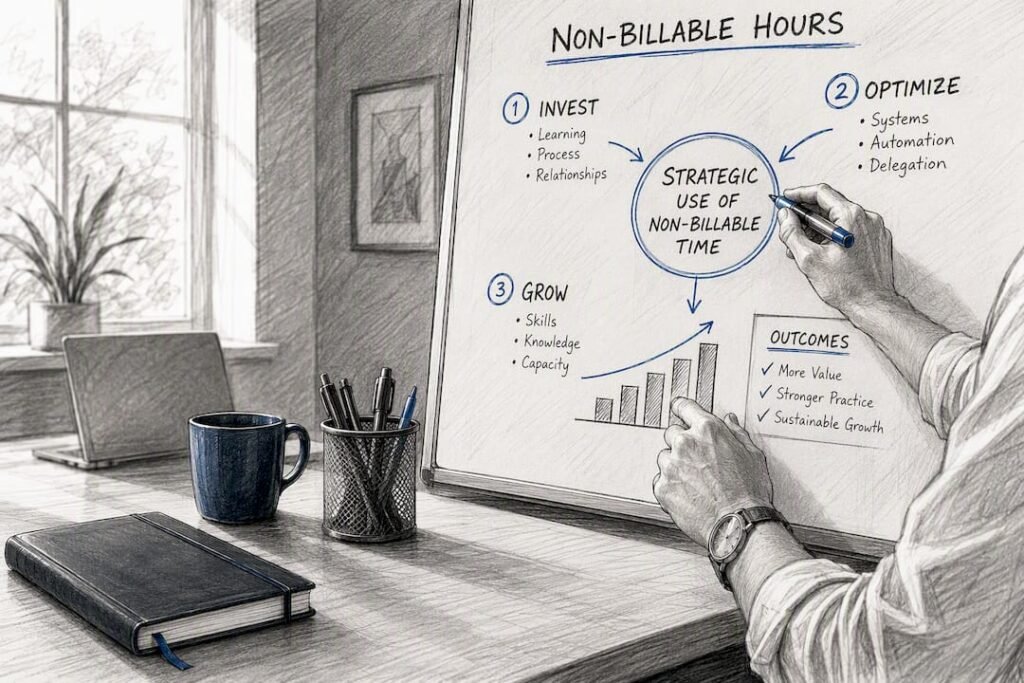
Discover how to effectively track non-billable time in WordPress, improve project management, and protect your profit margins.