For WordPress users who want a self-hosted replacement for Harvest, Growthplugins is the recommended pick. It keeps time tracking, project management, invoicing, and client portals on your own server while eliminating SaaS usage-based billing entirely. After Harvest’s mid-2025 ownership change, several teams reported renewal costs climbing unexpectedly as usage-based pricing took hold. That’s the core reason teams are looking elsewhere.
TL;DR: Growthplugins is the best fit for WordPress-hosted agencies and freelancers who want on-premise control and bundled features at a one-time price.
Quick shortlist:
- Growthplugins — WordPress-native, self-hosted, one-time purchase, full PM + time tracking + invoicing + client portal
- Self-hosted open-source option (e.g., Kimai or OpenProject) — free, self-hosted, strong community, requires more setup
- SaaS free-tier option (e.g., Clockify) — fast to start, no server needed, but per-seat fees scale and your data lives in someone else’s cloud
When a different path makes more sense:
- You need enterprise-grade resource scheduling or GPS field monitoring
- Your team is deeply integrated with a specific SaaS ecosystem (Salesforce, Jira, etc.)
- You have no WordPress site and no plans to build one
GrowthBalance: Your Project Profitability Tracker
Track time, income and expenses for every project and side-project you run — 100 % front-end, self-hosted inside WordPress. No SaaS subscription, no per-seat fees.
Table of Contents
- How do the top Harvest alternatives compare side by side?
- How do you pick the right Harvest alternative for your team?
- How to migrate from Harvest to a self-hosted WordPress solution
- Why teams choose self-hosted WordPress tools over Harvest
- Growthplugins: the WordPress-native alternative worth piloting
- Key Takeaways
- The case for piloting before committing
- Sources and further reading
- Growthplugins cuts your recurring SaaS bill permanently
- FAQ
How do the top Harvest alternatives compare side by side?
The table below maps the four most relevant options across the dimensions that matter most to WordPress teams.
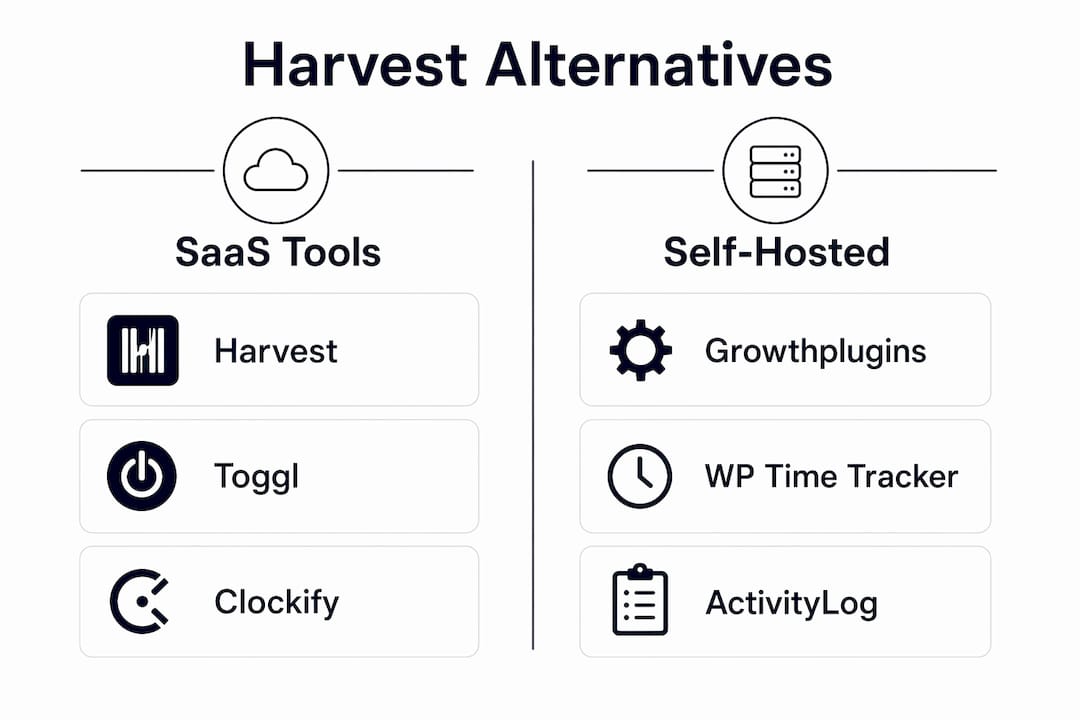
| Dimension | Growthplugins | Self-hosted open-source (Kimai) | Self-hosted open-source (OpenProject) | SaaS free-tier (Clockify) |
|---|---|---|---|---|
| Hosting model | Self-hosted (WordPress) | Self-hosted (PHP/MySQL) | Self-hosted (Ruby/Docker) | Cloud SaaS |
| Pricing model | One-time purchase | Free, open-source | Free, open-source (paid Enterprise) | Freemium; per-seat fees at scale |
| Core features | Kanban, timer, invoicing, CRM, client portal, knowledge base | Time tracking, reporting, invoicing | Project management, Gantt, reporting | Time tracking, basic reporting |
| WordPress integration | Native plugin, no extra stack | None (standalone app) | None (standalone app) | API only |
| Data ownership | Self-hosted on your server | Self-hosted on your server | Self-hosted on your server | Vendor cloud |
| Ease of setup | Under an hour on existing WP site | Moderate (server config required) | High friction (Docker/server admin) | Instant (SaaS signup) |
| Best fit | WordPress agencies, freelancers | Dev-comfortable teams | Engineering/IT project teams | Teams needing a quick free start |
Option summaries:
- Growthplugins suits WordPress teams that want a single plugin suite covering the full client lifecycle. The differentiator is native WordPress integration — no separate server stack, no API glue.
- Kimai is a solid open-source time tracker for teams comfortable with server administration. It handles time logging and basic invoicing well but adds no project management or CRM layer.
- OpenProject covers project planning and Gantt charts at depth, but the Docker-based setup is a real barrier for non-technical teams.
- Clockify gets you tracking in minutes. The catch: free-tier SaaS fees scale quickly per seat, and your client data sits on their servers.
Pricing transparency note: Usage-based billing is the hidden risk in SaaS time trackers. A tool that looks free at five users can cost more than a one-time plugin purchase by the time you hit fifteen.
How do you pick the right Harvest alternative for your team?
Start with the hosting and pricing model. Everything else is secondary. If your data must stay on your server, the SaaS column is off the table before you evaluate a single feature.
Primary criteria (in order):
- Hosting model — self-hosted vs. cloud
- Pricing model — one-time vs. subscription vs. usage-based
- Core features — does it cover time tracking, invoicing, and project management in one place?
- WordPress compatibility — native plugin or API-only integration?
- Migration effort — can you export your full Harvest history and import it cleanly?
Questions to ask every vendor during a trial:
- What export formats do you support (CSV, JSON, PDF)?
- Can I import existing timesheet and project history?
- Who owns the data if I cancel?
- What is your backup and restore process?
- How are pricing changes communicated before renewal?
Red flags that should stop a migration:
- Usage-based billing with no published rate card
- No full data export option
- Cloud-only storage with no self-hosted path
- Pricing changes applied at renewal without advance notice
Businesses looking to replace Harvest prioritize integrated invoicing, project forecasting, and resource scheduling. That’s a useful filter: if a tool covers only time tracking, it’s a partial replacement, not a full one.
Simple prioritization grid (copy this):
| Criterion | Weight | Score (1–5) | Weighted Score |
|---|---|---|---|
| Feature coverage | 20% | — | — |
| Migration ease | 10% | — | — |
Pro Tip: Tool adoption fails when replacements are overly complex. Score each tool against your team’s actual workflow, not a feature checklist. A tool your team uses at 80% beats a feature-rich suite used at 20%.
How to migrate from Harvest to a self-hosted WordPress solution
Migrations are more than file transfers. Mapping Harvest exports to a new platform’s data model is where most teams lose time.
Step-by-step migration plan:
- Export from Harvest — Go to Settings > Export Data. Download timesheets (CSV), projects (CSV), invoices (CSV/PDF), and client records. Harvest exports in CSV and JSON formats.
- Audit and map fields — Compare Harvest’s field names (client, project, task, hours, billable rate) to your target platform’s schema. Flag any custom fields that need manual remapping.
- Set up a pilot environment — Install Growthplugins on a staging WordPress site. Create one test workspace, one test client, and one test project.
- Run a test import — Import a small CSV slice (one client, one project, two weeks of time entries). Verify totals match Harvest’s reports before importing everything.
- Run parallel tracking for 1–2 sprints — Log time in both systems simultaneously. This catches discrepancies before you cut over.
- Full cutover — Import remaining history, archive Harvest, and cancel before the next renewal window.
Timeline and cost estimates:
| Phase | Estimated time | Notes |
|---|---|---|
| Discovery and export | 2–4 hours | Includes field mapping audit |
| Test import and validation | 3–6 hours | Longer for large datasets |
| User training | 2–4 hours | Per team of 5–10 users |
| Full migration and cutover | 1–2 days | Includes parallel-run period |
One-time plugin costs replace ongoing monthly SaaS fees. For a team of ten, a single annual Harvest subscription can quickly surpass the one-time cost of a Growthplugins license.
Why teams choose self-hosted WordPress tools over Harvest
Control and predictable costs are the two primary drivers. The shift away from Harvest is driven more by pricing and consolidation needs than by feature gaps. Teams want fewer vendors with broader coverage.
Self-hosting keeps client data inside your own infrastructure, which simplifies GDPR compliance and removes dependence on a third-party cloud. For agencies handling sensitive client projects, that’s not a minor benefit.
Consolidation matters too. Running separate SaaS tools for time tracking, CRM, invoicing, and project management adds up fast, both in cost and in context-switching. A single WordPress plugin suite that covers all four eliminates that sprawl. If you’re also managing proposals, a tool like RFP Forge AI can slot into that workflow without adding another subscription.
Pro Tip: Secure your self-hosted WordPress time-tracking instance from day one: set up daily off-site backups (a plugin like UpdraftPlus works well), assign the minimum necessary WordPress user roles to each team member, and keep your plugins updated on a weekly schedule. A compromised time-tracking instance exposes client billing data.
Growthplugins: the WordPress-native alternative worth piloting
Growthplugins is the recommended WordPress-native solution for teams that want on-site control, bundled PM and time tracking, and one-time pricing. Everything lives in your WordPress database — no third-party cloud, no API dependency.
What’s included:
- Kanban boards and timer for task and time tracking
- Invoicing with tax compliance support
- Client portal for secure client communication
- Sales CRM for managing client relationships
- Knowledge base and website monitoring
Pros:
- Native WordPress integration — no separate server stack
- One-time purchase, no recurring fees
- Full data ownership; GDPR-friendly by default
- Setup under an hour on an existing WordPress site
Cons:
- Requires an existing WordPress installation
- No mobile native app (browser-based)
- Enterprise Gantt/resource scheduling is limited compared to dedicated PM tools
Quick-start pilot checklist:
- Install Growthplugins on a staging WordPress site
- Create one test workspace and one test client
- Import a sample CSV from your Harvest export
- Run a 2-week parallel trial with 2–3 team members
- Collect adoption metrics: hours logged, invoices generated, user login frequency
Self-hosted WordPress solutions reduce migration friction for WordPress-hosted businesses because user accounts, clients, and site content stay on the same platform.

Key Takeaways
Self-hosted, WordPress-native tools like Growthplugins give teams full data ownership and predictable one-time costs that SaaS alternatives cannot match once seat counts grow.
| Point | Details |
|---|---|
| Hosting model first | Decide self-hosted vs. cloud before evaluating any features — it eliminates half the options immediately. |
| Pricing risk is real | Usage-based SaaS billing can increase at renewal without clear advance notice; one-time pricing removes that variable. |
| Migration needs mapping | Exporting Harvest CSV/JSON is straightforward; mapping fields to a new data model takes 2–6 hours for most small teams. |
| Adoption beats features | A simpler tool used consistently outperforms a feature-rich suite with low adoption — score tools against real workflows. |
| Growthplugins pilot | Install on a staging WordPress site, run a 2-week parallel trial, and measure hours logged and invoices generated before full cutover. |
The case for piloting before committing
The conventional wisdom on tool migrations is to evaluate features first. That’s backwards. The real question is whether your team will actually log time in the new tool every day. A pilot that measures adoption metrics — percentage of users actively logging time, time-to-invoice, and reporting accuracy — tells you more in two weeks than any feature comparison chart.
My recommendation: install Growthplugins on a staging WordPress site this week. Run it in parallel with Harvest for two weeks. Track three numbers: hours logged per user per day, time from project close to invoice sent, and how often team members need help navigating the interface. If those numbers look good at two weeks, the full migration is low-risk. If they don’t, you’ve lost nothing but a staging environment.
The teams that regret migrations are the ones that skipped the parallel run and cut over cold. Don’t do that.
Sources and further reading
The research and sources behind this guide, organized by what they support:
On Harvest pricing changes and renewal risk: Multiple user reports and comparison guides documented that after Harvest’s mid-2025 ownership change, renewals shifted toward usage-based billing models that increased costs unexpectedly. Teams that timed their migrations before renewal windows avoided surprise charges. Source: My Hours — Harvest Alternatives
Pricing and consolidation analysis:
- My Hours: 6 Harvest Alternatives (Free & Paid) for 2026 — pricing change reports and plan reduction documentation
- OneSuite: 6 Best Harvest Alternatives for Time Tracking in 2026 — consolidation drivers, self-hosting rationale, migration mapping guidance
- Scoro: 8 Best Harvest Alternatives for Growing Teams — adoption risk analysis and pilot metrics framework
- Memtime: Harvest Time Tracking Pros, Cons & Alternatives Reviewed — SaaS fee scaling and free-tier cost analysis
Self-hosting and GDPR rationale:
- USDA NIFA: Sustainable Agriculture — referenced for data stewardship parallels in self-hosted infrastructure decisions
- Growthplugins — WordPress Project Management Suite — product hub for piloting the WordPress-native alternative
Migration how-tos and pilot guidance:
- Growthplugins: Mastering Project Management in WordPress — step-by-step setup and migration walkthrough
- Growthplugins: Replacing SaaS Tools on Your WordPress Site — full SaaS-to-WordPress migration guide
Growthplugins cuts your recurring SaaS bill permanently
If you’ve been paying monthly for Harvest and a separate invoicing tool and a separate CRM, you already know the math doesn’t improve with scale. Growthplugins replaces all three with a one-time purchase that lives on your WordPress server. No renewal surprises, no per-seat fees, no vendor holding your client data.
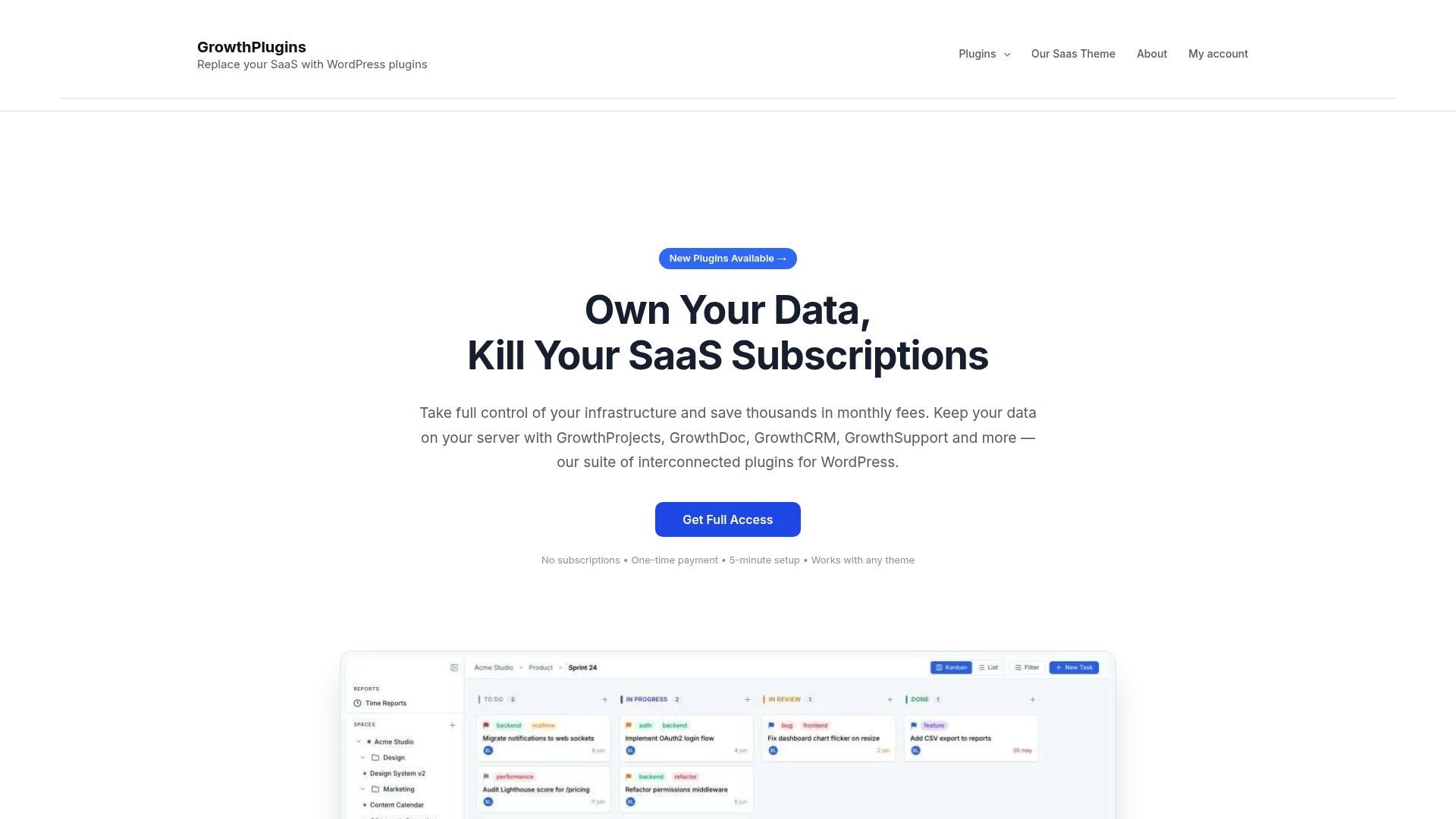
It’s built specifically for agencies and freelancers who run WordPress sites and want project management, time tracking, invoicing, and a client portal in one place. Setup takes under an hour on an existing site. Your data never leaves your server.
Start your pilot today: optimize your WordPress site for project collaboration and see how quickly a self-hosted stack replaces what you’re currently paying monthly for.
FAQ
What is the best self-hosted Harvest alternative for WordPress?
Growthplugins is the top self-hosted option for WordPress users — it covers time tracking, invoicing, project management, and client portals in a single plugin suite with a one-time purchase and full data ownership.
Can I export my data from Harvest before switching?
Yes. Harvest lets you export timesheets, projects, and invoices as CSV files from Settings > Export Data. Mapping those fields to a new platform’s schema is typically straightforward and does not take long for most small teams.
Why is Harvest becoming less popular in 2026?
After Harvest’s mid-2025 ownership change, users reported that renewals shifted to usage-based billing, making costs less predictable for growing teams. That pricing unpredictability is the primary reason teams are evaluating alternatives.
Does Growthplugins work without a WordPress site?
No. Growthplugins is a WordPress plugin suite and requires an existing WordPress installation. Teams without WordPress would need to consider a standalone self-hosted option like Kimai or OpenProject instead.
How long does a full migration from Harvest take?
For a small team of 5–10 users, the full process — export, field mapping, test import, user training, and cutover — is generally completed within a couple of days, plus a parallel-run period before final cutover.