For WordPress users who want full data ownership, Growthplugins is the top self-hosted alternative to Asana — it installs as a native WordPress plugin, keeps every project file and task on your own server, and replaces Asana’s core features without a monthly subscription.
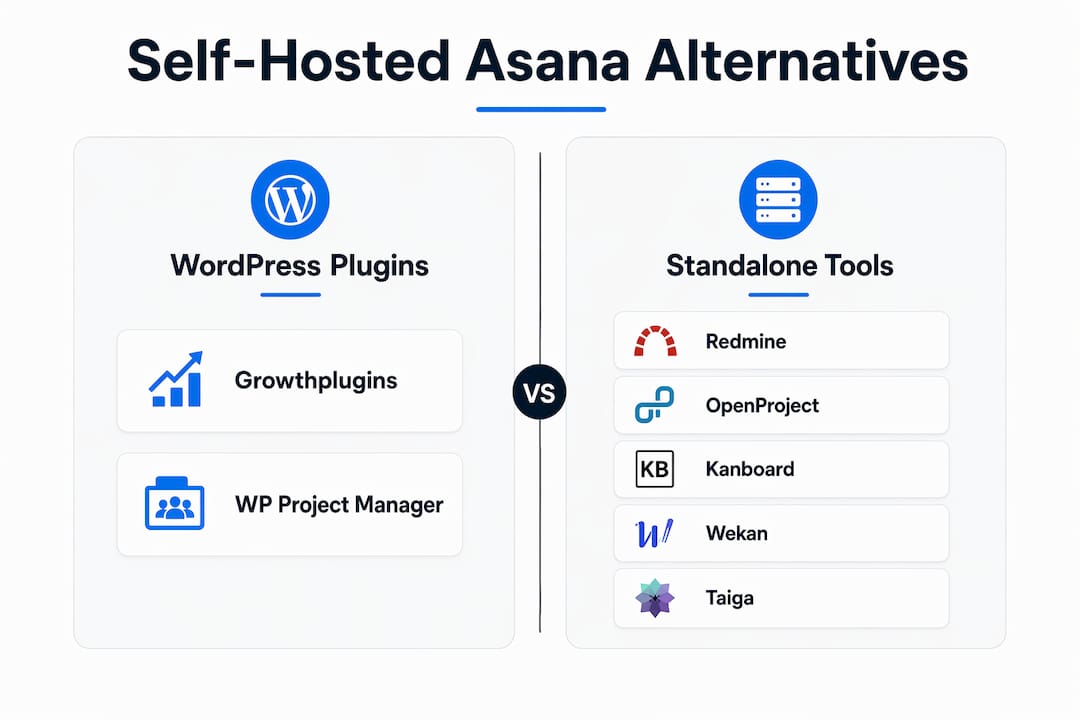
If you need a standalone open-source path instead, the field breaks down like this:
- Growthplugins — best for WordPress freelancers and small agencies who want Kanban, time tracking, client portal, and invoicing in one dashboard, all on their own host
- OpenProject — best for small agencies that need Gantt charts and structured project phases on a dedicated server
- Redmine — best for developer-heavy teams comfortable with Ruby on Rails administration
- Wekan — best for teams that want a dead-simple Kanban board on a self-hosted server
- Kanboard — best for solo developers or tiny teams who want minimal overhead
- Taiga — best for agile teams that need sprints and backlog management
- WP Project Manager (weDevs) — best for WordPress users who want a lightweight task manager without the full Growthplugins feature set
GrowthBalance
Track time, income and expenses for every project and side-project you run — 100 % front-end, self-hosted inside WordPress. No SaaS subscription, no per-seat fees.
Table of Contents
- Which self-hosted Asana alternatives should you compare?
- How to choose the right self-hosted Asana alternative for your WordPress workflow
- How to migrate your projects from Asana to a self-hosted solution
- Growthplugins deep dive: how it maps to Asana and what setup actually looks like
- Profiles: Redmine, OpenProject, Kanboard, Wekan, Taiga, and WP Project Manager
- What does a secure self-hosted project management setup actually require?
- Which alternative should you pick for your specific situation?
- Key takeaways
- Why the “best” project management tool is almost always the wrong question
- Growthplugins: the fastest path to a self-hosted WordPress PM setup
- Useful sources and further reading
- FAQ
Which self-hosted Asana alternatives should you compare?
| Tool | Best for | Deployment | WordPress integration | Core features | Pricing model | Setup ease | Data ownership |
|---|---|---|---|---|---|---|---|
| Growthplugins | WP freelancers & agencies | Self-hosted on WordPress | Native plugin | Kanban, list, time tracking, comments, client portal, knowledge base, CRM, invoicing | One-time / free basic tier | Under 5 minutes | Full — your server |
| OpenProject | Structured project phases | Standalone self-hosted | External (no native plugin) | Gantt, milestones, time tracking, wiki | Open-source / paid cloud | Moderate | Full |
| Redmine | Dev teams | Standalone self-hosted | External | Issue tracking, wiki, time logs | Open-source (free) | High — Rails stack | Full |
| Wekan | Simple Kanban | Standalone self-hosted | External | Kanban boards, cards, checklists | Open-source (free) | Low–moderate | Full |
| Kanboard | Solo devs / tiny teams | Standalone self-hosted | External | Kanban, task automation | Open-source (free) | Low | Full |
| Taiga | Agile / sprint teams | Standalone self-hosted | External | Scrum, Kanban, backlog | Open-source / paid cloud | Moderate | Full |
| WP Project Manager | Lightweight WP task mgmt | Self-hosted on WordPress | Native plugin | Tasks, milestones, messages | Freemium | Very low | Full — your server |
Three trade-offs WordPress users should weigh immediately:
- Hosting cost vs. subscription cost. Every self-hosted option trades a recurring SaaS fee for a hosting bill and your own maintenance time. Budget at least a basic managed WordPress host ($10–$25/month) if you go the plugin route.
- Maintenance overhead. Standalone tools like Redmine and OpenProject need server administration skills. WordPress-native plugins like Growthplugins update through the standard WP dashboard.
- Plugin compatibility. Any WordPress-native PM plugin shares the same environment as your theme and other plugins — test on a staging site before deploying to production.
How to choose the right self-hosted Asana alternative for your WordPress workflow
The single most important question is not “which tool has the most features?” It’s: does it match how your team actually works — visual Kanban, structured phases, or document-centric collaboration?
Features
List the three or four things you use in Asana every day. If it’s boards and task comments, almost any option here covers you. If it’s time tracking tied to invoices, that narrows the field to Growthplugins and OpenProject quickly.
Hosting and maintenance
Ask yourself honestly: do you want to manage a Linux server, or do you want to click “Update” in WordPress? Standalone tools give you more infrastructure control; WordPress plugins give you less friction. Neither is wrong, but the answer should drive your choice before you look at features.
Privacy and data ownership
All seven tools here keep data on your server. The difference is in role management and audit trails. Growthplugins inherits WordPress user roles directly, which means you don’t build a separate permission system from scratch.
Integrations and cost
Check whether the tool exports to CSV or JSON — you’ll want that for backups and future migrations. On cost, factor in hosting, SSL, and your own time for updates. A “free” open-source tool with two hours of monthly maintenance is not free.
Red flags to avoid: no data export option, a closed-source license with vague data-handling terms, a community forum that hasn’t had a post in six months, or a tool that requires a full DevOps setup just to run a five-person project.
How to migrate your projects from Asana to a self-hosted solution
A clean migration for a freelancer with tidy boards takes a short time. A small agency with nested projects, custom fields, and years of attachments should plan for a longer migration period. Teams that audit workflows before exporting consistently have shorter cutover windows and cleaner data on the other side.
- Audit your current Asana workspace. Archive completed projects, delete duplicate tasks, and consolidate tags. This step alone cuts import errors by half.
- Export from Asana. Use Asana’s CSV export for tasks. Export attachments separately — they often exceed default export limits and need their own storage plan on the new host.
- Map fields before you import. Asana’s custom fields, sections, and subtasks don’t always translate one-to-one. Prepare a mapping document that shows where each field lands in the new tool, especially for nested subtasks.
- Run a test import with one small project. Verify that task names, assignees, due dates, and comments all land correctly before touching live data.
- Validate attachments and comments. Check file paths on the new host. Broken attachment links are the most common post-migration complaint.
- Cut over and archive. Set Asana to read-only for your team during a defined window (a Friday afternoon works well for small teams). Keep the Asana workspace accessible for 30 days as a reference archive.
Typical timeline: audit (days 1–3), export and field mapping (days 4–7), test import and validation (days 8–14), pilot with one project (days 15–21), full rollout (days 22–42 for agencies).
Pro Tip: Export your Asana attachments as a separate ZIP before anything else. File storage is the step most teams skip, and it’s the one that causes the most pain when they discover broken links two weeks after cutover. See the WordPress project management guide for host-side storage setup.
Growthplugins deep dive: how it maps to Asana and what setup actually looks like
Growthplugins is the practical first choice for WordPress users because it lives inside WordPress, uses your existing user roles, and stores everything on your server. There’s no separate login, no third-party cloud, and no per-seat monthly bill.
| Asana feature | Growthplugins equivalent |
|---|---|
| Board view | Kanban board (drag-and-drop) |
| List view | List view with filters |
| Task comments | Inline task comments |
| Time tracking | Built-in timer per task |
| Portfolios / workspaces | Workspaces and folders |
| Guest / client access | Client portal |
| Docs / knowledge base | Knowledge base module |
| Forms / intake | Support ticket system |
| CRM (limited) | Sales CRM module |
| Invoicing | Invoicing with tax compliance |
Setup requires a WordPress install running PHP 7.4 or higher and a standard MySQL/MariaDB database. Install the plugin from the WordPress dashboard, activate it, and run the basic configuration wizard. Vendor-claimed setup time is under five minutes for the core plugin; additional modules (CRM, invoicing, knowledge base) activate individually.
Data ownership and privacy highlights:
- All project data, files, and user records sit on your server — nothing leaves your host
- User roles and permissions pull directly from WordPress (Administrator, Editor, custom roles)
- GDPR compliance is governed by your own hosting environment and privacy policy, not a third-party SaaS vendor
- Backups are handled by your standard WordPress backup routine (UpdraftPlus, ManageWP, or host-level snapshots)
Pricing: Growthplugins offers a free basic tier for the core project management plugin. Paid upgrades and bundles are one-time purchases — no recurring subscription. Total cost of ownership is your hosting bill plus the one-time plugin cost, which typically undercuts a per-seat SaaS subscription within the first year.
Pro Tip: Start with the free core plugin and run one real client project through it before buying any paid modules. You’ll know within two weeks exactly which add-ons you actually need — and you won’t pay for features that sit unused. The freelancer workflow guide walks through a practical first-project setup.
Profiles: Redmine, OpenProject, Kanboard, Wekan, Taiga, and WP Project Manager
Open-source self-hosted tools vary widely in hosting complexity and community support — some need a sysadmin, others run on a $5 VPS in an afternoon.

Redmine runs on Ruby on Rails and PostgreSQL or MySQL. It’s battle-tested for issue tracking and has a large plugin library, but the setup is genuinely technical. Best for developer teams who already manage their own servers and want deep customization. Not a good fit if no one on your team knows the command line.
OpenProject is the most Asana-like of the standalone options: Gantt charts, milestones, time tracking, and a wiki. Docker deployment makes setup manageable for teams with basic server experience. The community edition is free; the hosted cloud plan carries a per-user fee. Best for agencies running structured, phase-based projects.
Wekan is a Kanban board and nothing else. It runs on Node.js and MongoDB, deploys via Docker in under an hour, and has almost no learning curve. If all you need is boards and cards on your own server, Wekan delivers that without complexity. It won’t replace Asana’s reporting or time tracking.
Kanboard is lighter still — PHP-based, runs on almost any shared host, and focuses on Kanban with basic task automation. The interface is spartan, but that’s the point. Best for solo developers or two-person teams who want zero maintenance overhead.
Taiga targets agile teams with Scrum boards, sprint planning, and backlog management. Docker deployment is the standard path. The UI is polished compared to Redmine or Kanboard. Best for software teams running sprints who want open-source tooling without paying for Jira.
WP Project Manager (weDevs) is a WordPress plugin like Growthplugins, but narrower in scope: tasks, milestones, and team messaging. No CRM, no invoicing, no client portal. It’s a reasonable starting point for teams that want basic task management inside WordPress without committing to a fuller suite.
What does a secure self-hosted project management setup actually require?
Pick a managed WordPress host (WP Engine, Kinsta, SiteGround) if you want low maintenance and automatic backups — or reach out to Small Business IT Support, Hobart from HeyTech if you need managed hosting or IT help for your team. Pick a VPS (DigitalOcean, Linode, Vultr) if you want full infrastructure control and are comfortable with server administration. For standalone tools like Redmine or OpenProject, a VPS is the practical minimum. If you need outside help standing up the server environment, a managed IT provider can handle the initial configuration.
Minimum server requirements for WordPress-based tools:
- PHP 7.4 or higher (PHP 8.1+ recommended)
- MySQL 5.7+ or MariaDB 10.3+
- 512 MB RAM minimum; 1 GB+ recommended for teams of five or more
- SSL certificate (Let’s Encrypt works fine)
Backup checklist:
- Daily automated database backups, stored off-server (S3, Backblaze B2, or similar)
- Weekly full-site backups including uploaded files and WP content directory
- Monthly restore test — actually spin up the backup and verify it works
Security basics: force HTTPS, use two-factor authentication for all admin accounts, keep plugins and WordPress core updated within 48 hours of a security release, and set user roles to the minimum privilege needed. Disable the WordPress XML-RPC endpoint if you’re not using it.
Which alternative should you pick for your specific situation?
The answer depends on one thing: whether you want project management inside WordPress or alongside it.
- Freelancer on WordPress: Growthplugins. Install the free plugin, run your first project, and add modules as you grow. No server administration, no separate login system.
- Small agency handling client data: Growthplugins, for the client portal and invoicing modules that keep everything in one WordPress dashboard. The project collaboration guide covers multi-client setup.
- Developer team that owns its own server: OpenProject for structured phases, or Taiga for agile sprints. Both are free at the community tier and deploy cleanly via Docker.
- Solo dev who wants zero overhead: Kanboard or Wekan. Either runs on a cheap VPS and requires almost no ongoing maintenance.
Three next steps regardless of which tool you choose: run a 30-day pilot on one real project before migrating everything, set up automated backups before you go live, and keep your Asana workspace in read-only mode for at least 30 days after cutover.
Key takeaways
For WordPress users, the fastest path to self-hosted project management with full data ownership is a WordPress-native plugin like Growthplugins, not a standalone server tool.
| Point | Details |
|---|---|
| Top pick for WordPress users | Growthplugins installs natively, uses WordPress roles, and stores all data on your server. |
| Self-hosting trades fees for responsibility | You replace SaaS subscriptions with hosting costs and your own maintenance time. |
| Audit before you migrate | Cleaning Asana data before export cuts import errors and shortens the cutover window. |
| Standalone OSS tools need server skills | Redmine, OpenProject, and Taiga require command-line or Docker experience to deploy. |
| Growthplugins pricing model | One-time plugin purchase with a free basic tier — no recurring per-seat subscription. |
Why the “best” project management tool is almost always the wrong question
The conventional wisdom in every PM tool roundup is to find the feature-richest option and migrate to it. That logic is how teams end up on Asana in the first place — and then leave it two years later for the same reason.
The more useful question is: what does your team actually do every day, and does the tool get out of the way? Analysts consistently find that modular, minimal tools outperform feature-heavy platforms for small teams, because the overhead of managing the tool itself starts eating into the time the tool was supposed to save.
For WordPress freelancers and agencies, the self-hosted argument is not primarily about cost — though eliminating per-seat fees matters. It’s about control. When client data lives on your server, you decide the retention policy, the backup schedule, and who has access. That’s not a privacy checkbox; it’s a professional obligation for anyone handling client project data.
The teams that get the most out of a self-hosted setup are the ones who treat the migration as a process cleanup, not just a data transfer. They come out the other side with leaner workflows, not just a different tool.
Growthplugins: the fastest path to a self-hosted WordPress PM setup
Switching away from Asana’s monthly billing doesn’t have to mean weeks of server configuration. Growthplugins gives you Kanban boards, time tracking, a client portal, and a knowledge base inside your existing WordPress install — one-time cost, your data, your server.
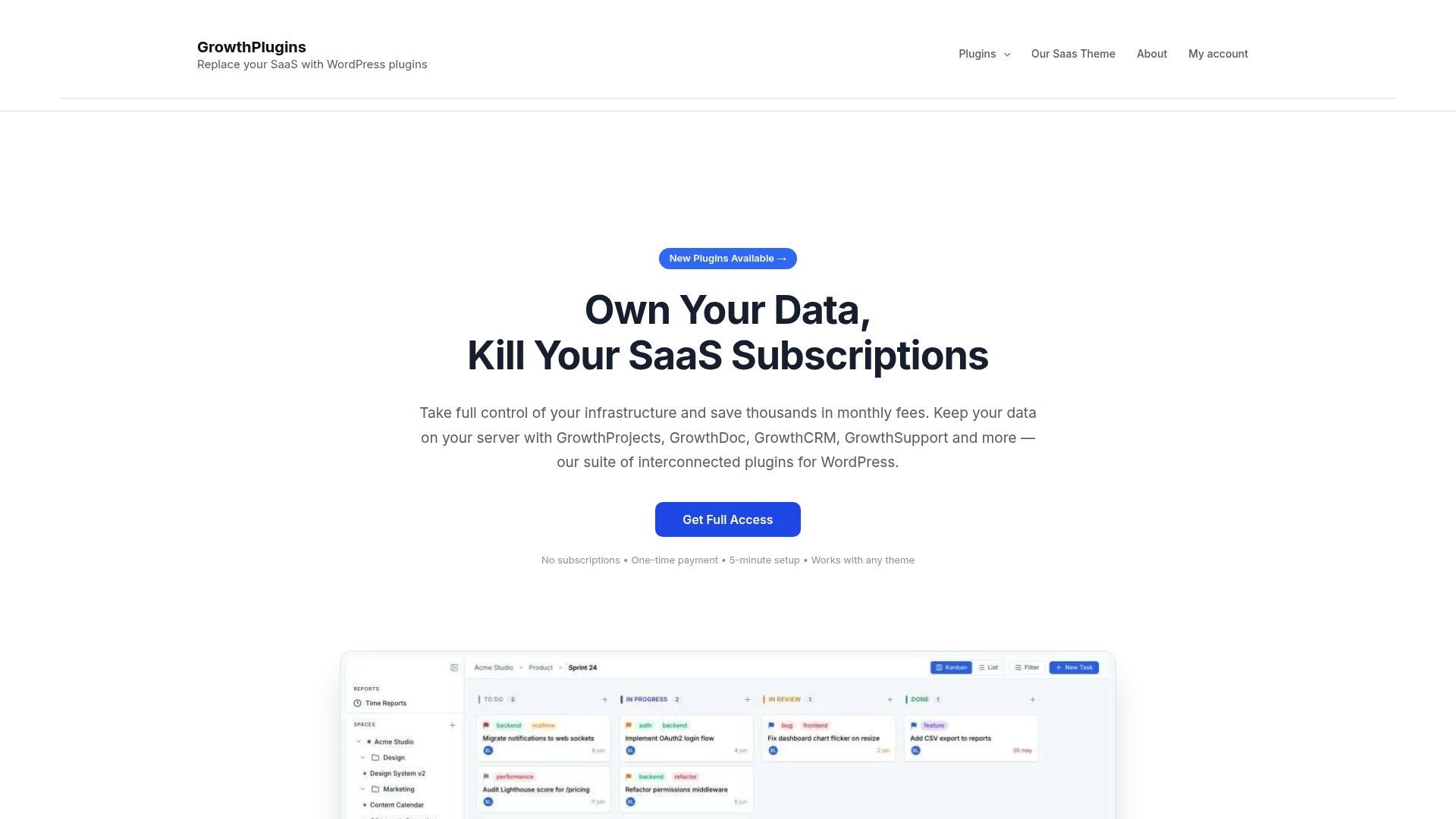
The free core plugin gets you running in under five minutes. Paid modules (CRM, invoicing, support tickets) are one-time purchases you add only when you need them. There’s no trial period that expires and no seat count that inflates your bill as your team grows.
Start with the SaaS replacement guide to see exactly how each Asana feature maps to a Growthplugins equivalent, then install the core project management plugin and run your first project this week.
Useful sources and further reading
Start with the official plugin documentation and the migration guides below before consulting third-party roundups — the primary sources are more accurate on setup requirements and data handling than most review sites.
| Source | What it covers |
|---|---|
| Growthplugins plugin page | Core plugin features, installation, and free vs. paid tiers |
| SaaS replacement guide (Growthplugins) | Step-by-step guide to replacing Asana with Growthplugins on WordPress |
| Freelancer workflow guide (Growthplugins) | Practical first-project setup for freelancers |
| Gartner Peer Insights — Asana alternatives | Peer reviews and workflow-matching criteria for evaluating PM tools |
| Zapier — best Asana alternatives | Roundup covering migration pitfalls, nested task mapping, and attachment export edge cases |
| TechnologyAdvice — Asana alternatives | Use-case groupings and trade-off summaries for self-hosted and SaaS options |
FAQ
Is there a free self-hosted alternative to Asana?
Yes. Growthplugins offers a free basic tier as a WordPress plugin, and open-source tools like Redmine, Wekan, Kanboard, and Taiga are free to self-host — you pay only for the server.
How long does it take to migrate from Asana to a self-hosted tool?
Freelancers with clean boards can complete a migration in one to two weeks. Small agencies with nested projects and attachments should plan for four to six weeks, including a pilot phase.
Does Growthplugins work with existing WordPress user roles?
Yes. Growthplugins integrates directly with WordPress user roles and permissions, so you don’t need to build a separate access system.
What’s the difference between a WordPress plugin PM tool and a standalone self-hosted tool?
A WordPress plugin like Growthplugins installs inside your existing WordPress site and updates through the WP dashboard. Standalone tools like Redmine or OpenProject run on a separate server and require command-line or Docker administration.
Which self-hosted Asana alternative is easiest to set up?
Growthplugins and WP Project Manager are the easiest — both install like any WordPress plugin. Among standalone tools, Wekan and Kanboard have the lowest setup complexity.