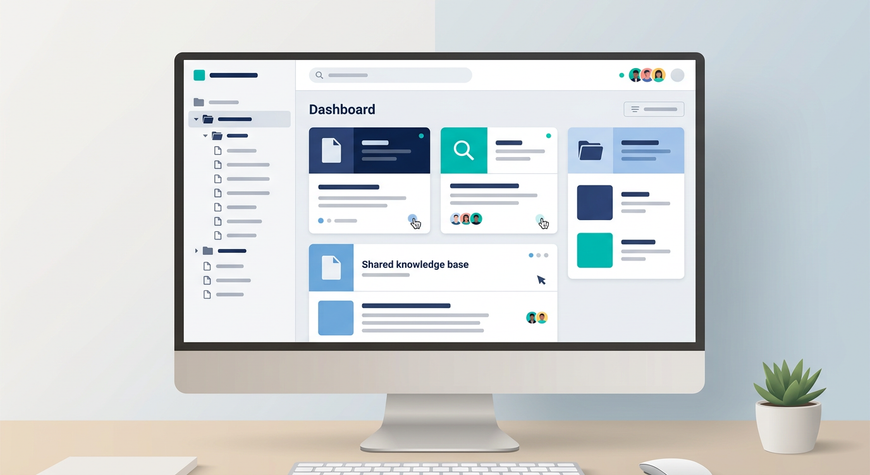
Teams considering whether to replace Notion with WordPress should compare their actual documentation, task and client-access needs before migrating. This guide explains a possible WordPress workflow using illustrative personas. The examples are not verified customer testimonials, and no performance percentages are presented as real results.
GrowthDoc: Your WordPress Knowledge Base
Self-hosted Notion-style docs & knowledge base for WordPress. Read the technical documentation →
Why Switch from Notion to GrowthPlugins?
Notion combines documents and databases, but it is not always the right fit for a WordPress-centered team. Before considering a change, evaluate the following possible workflow concerns:
- Complex Navigation: Notion’s interface can be overwhelming, especially for new users.
- Performance Issues: Loading times can slow down workflow, particularly with large databases.
- Limited Integration: While Notion integrates with several tools, it may not be as seamless for WordPress users.
In contrast, GrowthPlugins offers a WordPress-centric solution, providing a more streamlined experience for those already familiar with the platform. By consolidating project management, time tracking, support tickets, and documentation into one suite of plugins, GrowthPlugins makes it easier to manage everything from a single dashboard.
The Benefits of Using GrowthPlugins
1. Centralized Project Management
One of the standout features of GrowthPlugins is its ability to centralize project management directly within your WordPress site. This means no more switching between multiple platforms. You can create projects, assign tasks, and set deadlines without leaving your familiar environment.
2. Seamless Documentation
A WordPress documentation or wiki plugin may provide a place for project guides, images and shared resources. Check the plugin’s permissions, search functions, export options and maintenance requirements before treating it as a replacement for Notion. Our Wiki for WordPress guide explains related knowledge-base decisions.
3. Time Tracking Made Easy
Time tracking can support project estimates and invoices when the chosen plugin has the required reporting and export capabilities. Verify whether tracked hours can be reconciled with client billing rather than assuming the plugin creates legally or commercially complete invoices automatically.
4. Enhanced Client Communication
A client portal could provide selected project updates and approved documents alongside a route for support questions. Any improvement in satisfaction or reduction in repeated requests needs to be measured. Review the WordPress client portal guide for access considerations.
Three Illustrative WordPress Documentation Scenarios
Scenario 1 — Freelance designer: Imagine a freelancer organizing briefs, revisions and approved files. The pilot should assess whether clients can identify the latest version and submit feedback without searching through old messages. Record review delays and missing information rather than claiming a productivity gain.
Scenario 2 — Marketing agency: A hypothetical agency might connect project tasks with an internal knowledge base and a separate client view. Check that internal campaign notes remain private and that collaborators know which documents are current. Compare repeated status questions and time spent finding project information before and after any tool change.
Scenario 3 — Web developer: A fictional developer could track tasks and time records alongside documentation. Test whether exports preserve the fields needed for future estimates and billing, and whether clients can access only approved information.
Migration Checklist Before Leaving Notion
Inventory documents, databases, relations, comments, attachments, owners and permission groups. Export a sample workspace and test how the information maps into WordPress; a successful file import alone does not guarantee that relationships and access rules survived.
Choose a controlled pilot and keep the original system available. Confirm that project members can find current records, that clients cannot view unrelated information and that backups can restore the chosen plugins’ data. For permission context, use the official WordPress roles reference.
A move from Notion to WordPress may be appropriate for some self-hosted workflows, but it adds maintenance responsibilities. These scenarios are illustrative, not customer evidence. Publish any financial or productivity claims only when supported by actual records.
Conclusion
To replace Notion with WordPress responsibly, compare the core information needs, permissions, migration complexity and total maintenance effort. A small, measured pilot is more reliable than assumed savings or invented success stories. Preserve the old records until the new workflow has been verified and staff can use it consistently.